FOR RETAILERS, AGRONOMISTS & FARMERS
AgTech Training
& Resources
Explore step-by-step instructions, detailed guides, and practical resources designed to support seamless adoption of agtech solutions. Our comprehensive training materials address common questions and are built to help you succeed with confidence.
Professional Resources
FarmCommand
Weather Stations
Pro Tools
Monitor Guides
Soil Labs
FarmCommand
Getting Started
- Working with borders and field data
- Changing units of measurement
- How to favorite a Weather Station
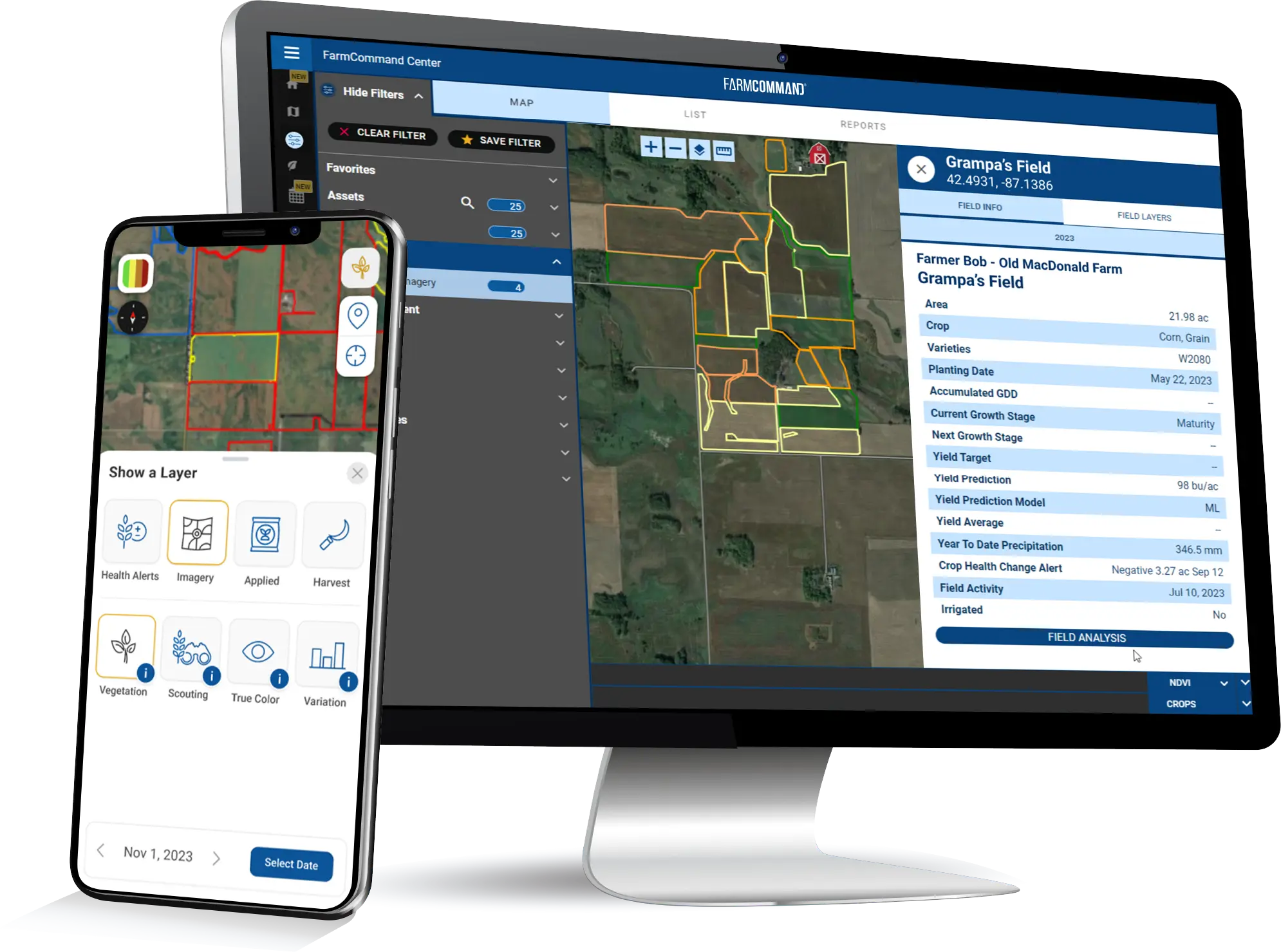
- Using the FarmCommand Map
Advanced Functions
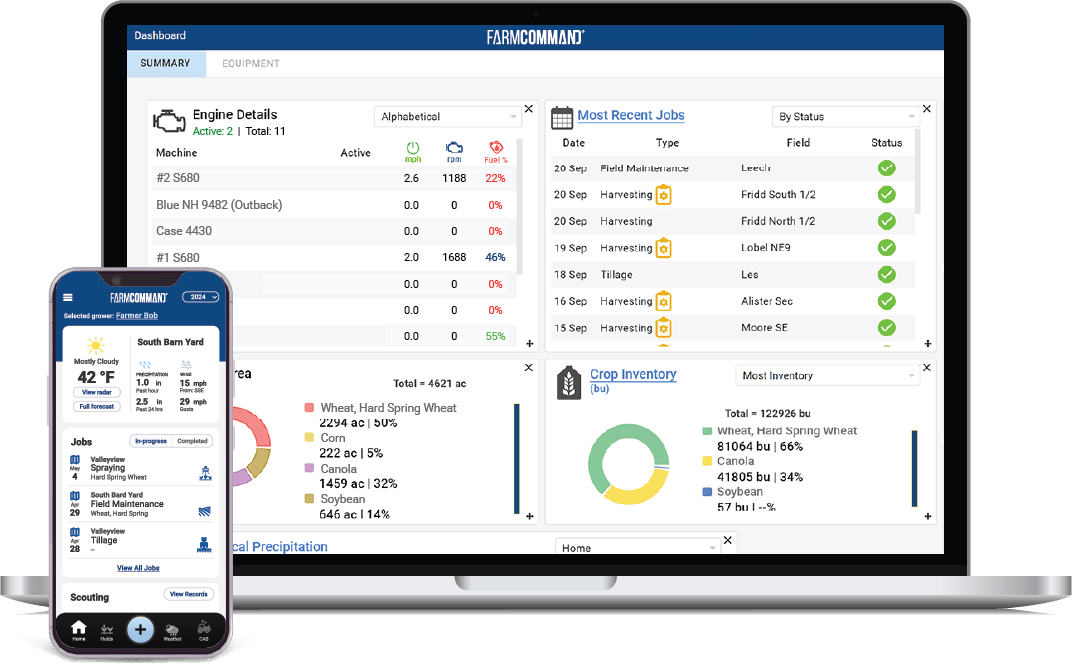
- Customizing the FarmCommand dashboard
- How to compare field data layers and view soil test results on FarmCommand Map
- Accessing historical weather data and updating field details
- Editing jobs
- How to create a crop plan
Weather Stations
Getting Started
- Assembly and Deployment
- Troubleshooting Existing Stations
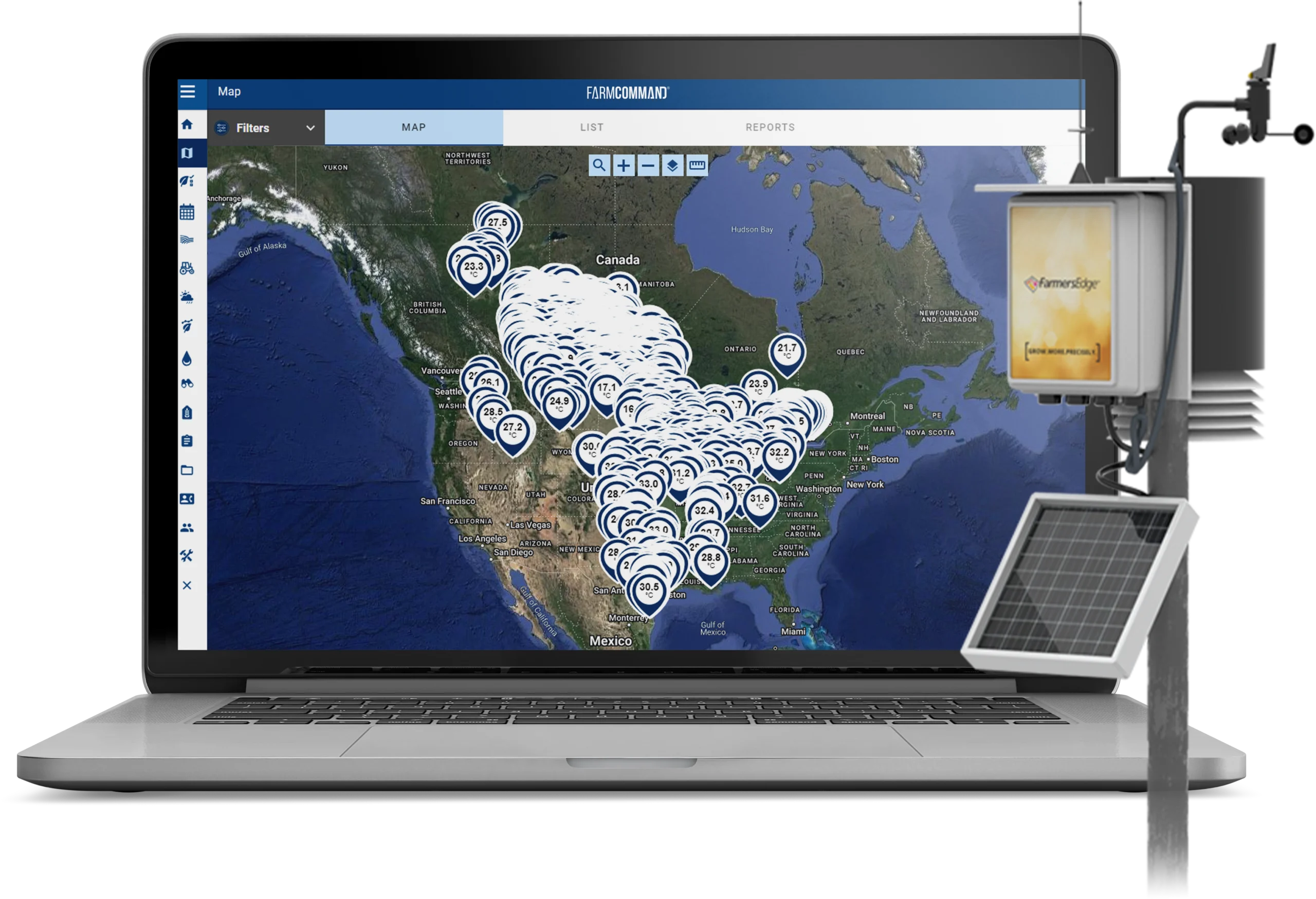
- Weather Stations in FarmCommand
Pro Tools
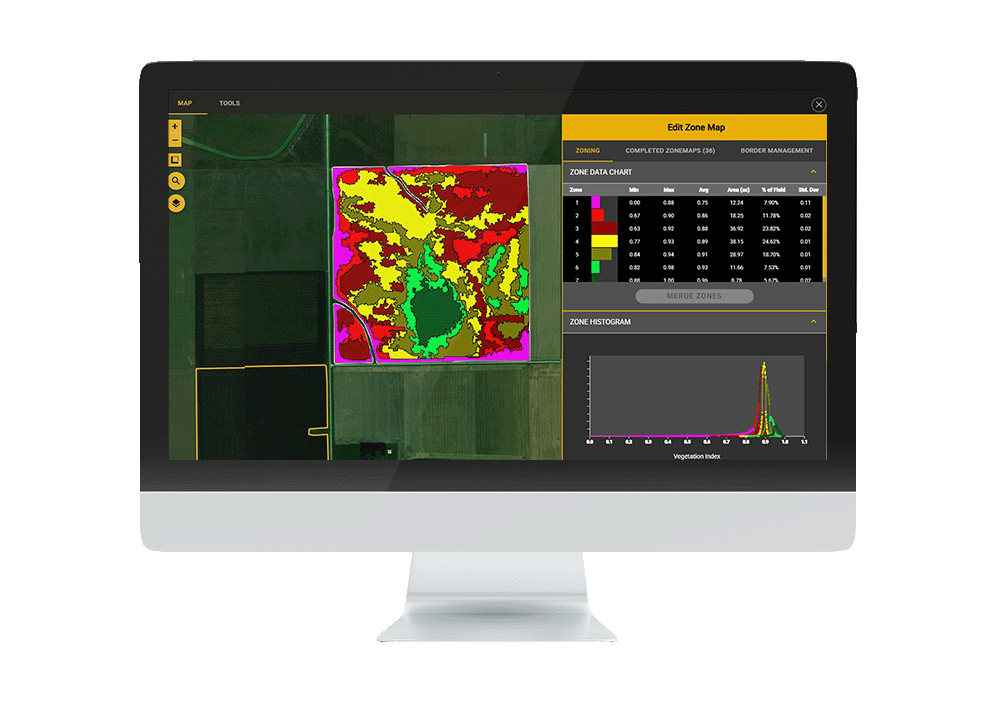
How-to Guide
- Field management and zone creation
- Sampling and data collection
- Creating scenarios in RxPro
- Customizing blends and applications
- Reporting and data management
QGIS with FarmCommand
- Installation guide
- Creating and editing borders
- Splitting zone maps

Monitor Guides
Precision Planting
- Format prescriptions
- Import prescriptions
- Exporting data


John Deere
- Format, import and deliver prescriptions
- Exporting data
- Adding partners and uploading farm boundaries
Case IH/New Holland
- Formatting prescriptions for shapefile imports
- Formatting prescriptions for export
- Exporting data


Topcon
- Formatting prescriptions
Ag Leader
- Exporting data

Raven
- Formatting prescriptions
Soil Labs
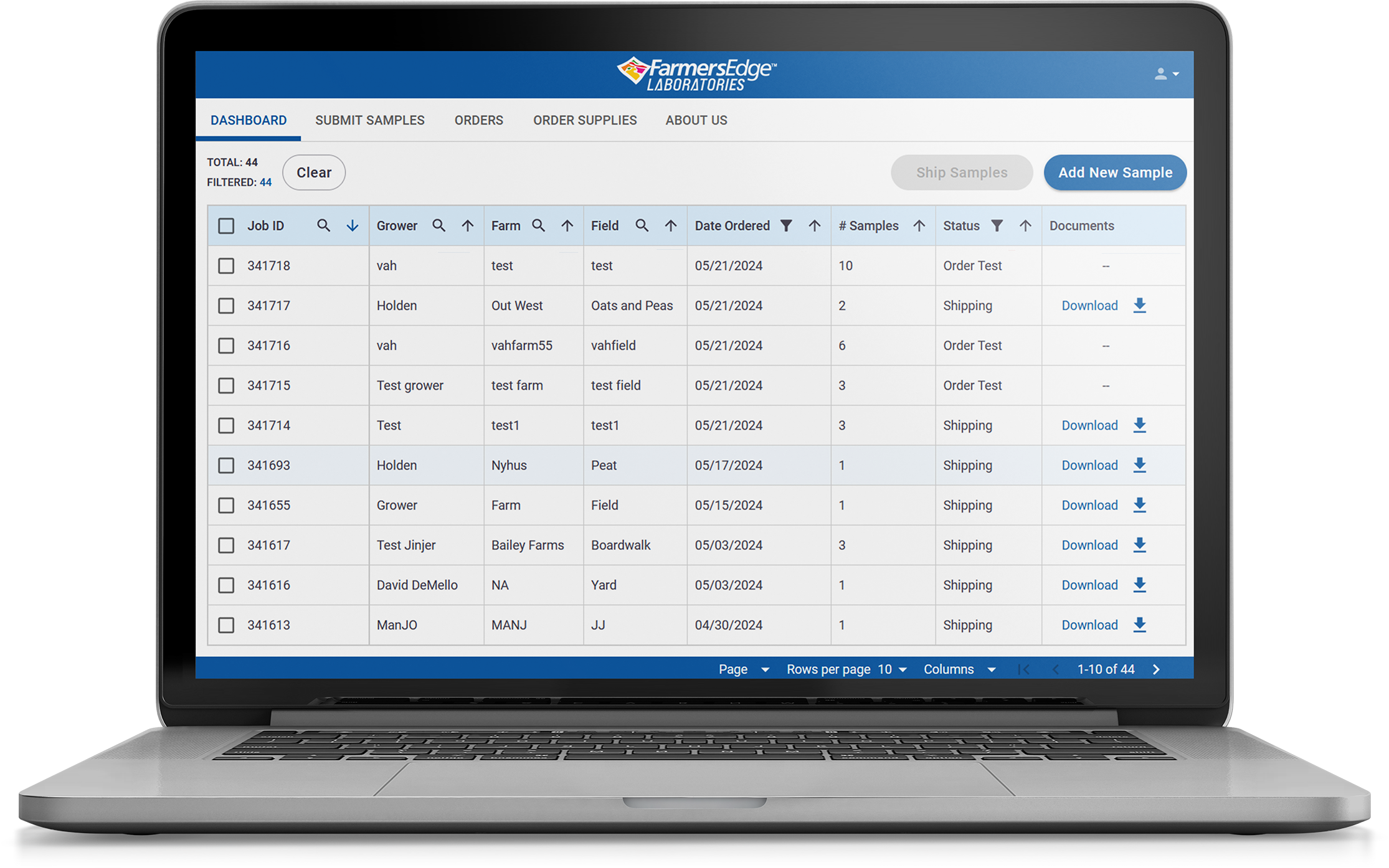
LabCommand
- Submitting soil samples
- Reviewing submissions
- Purchasing tests from the online portal
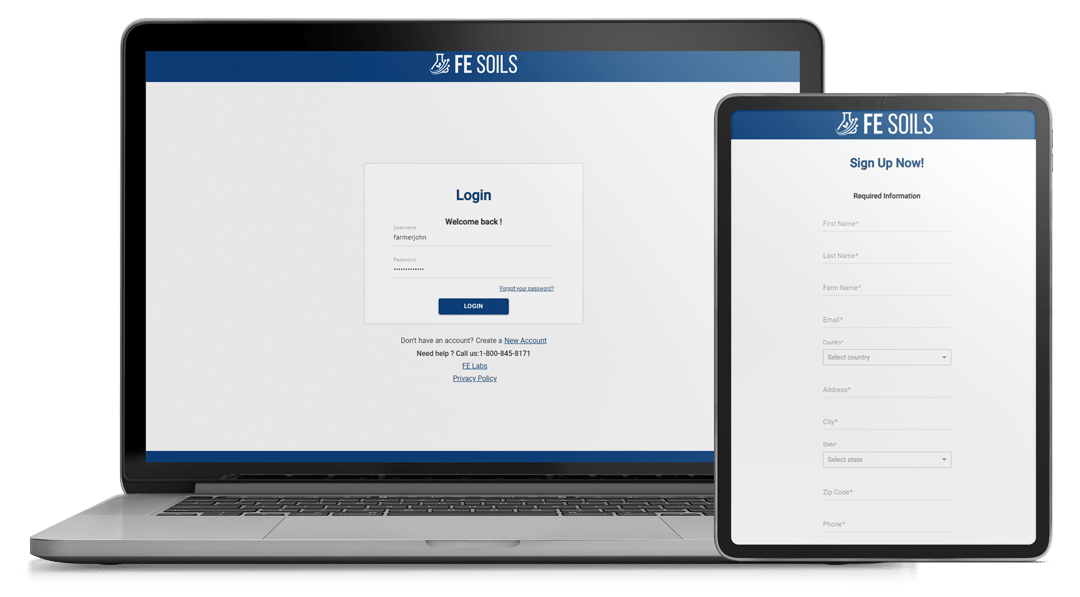
FE Soils
- A step-by-step complete grid sampling solution
- How to add borders
- Creating sampling jobs